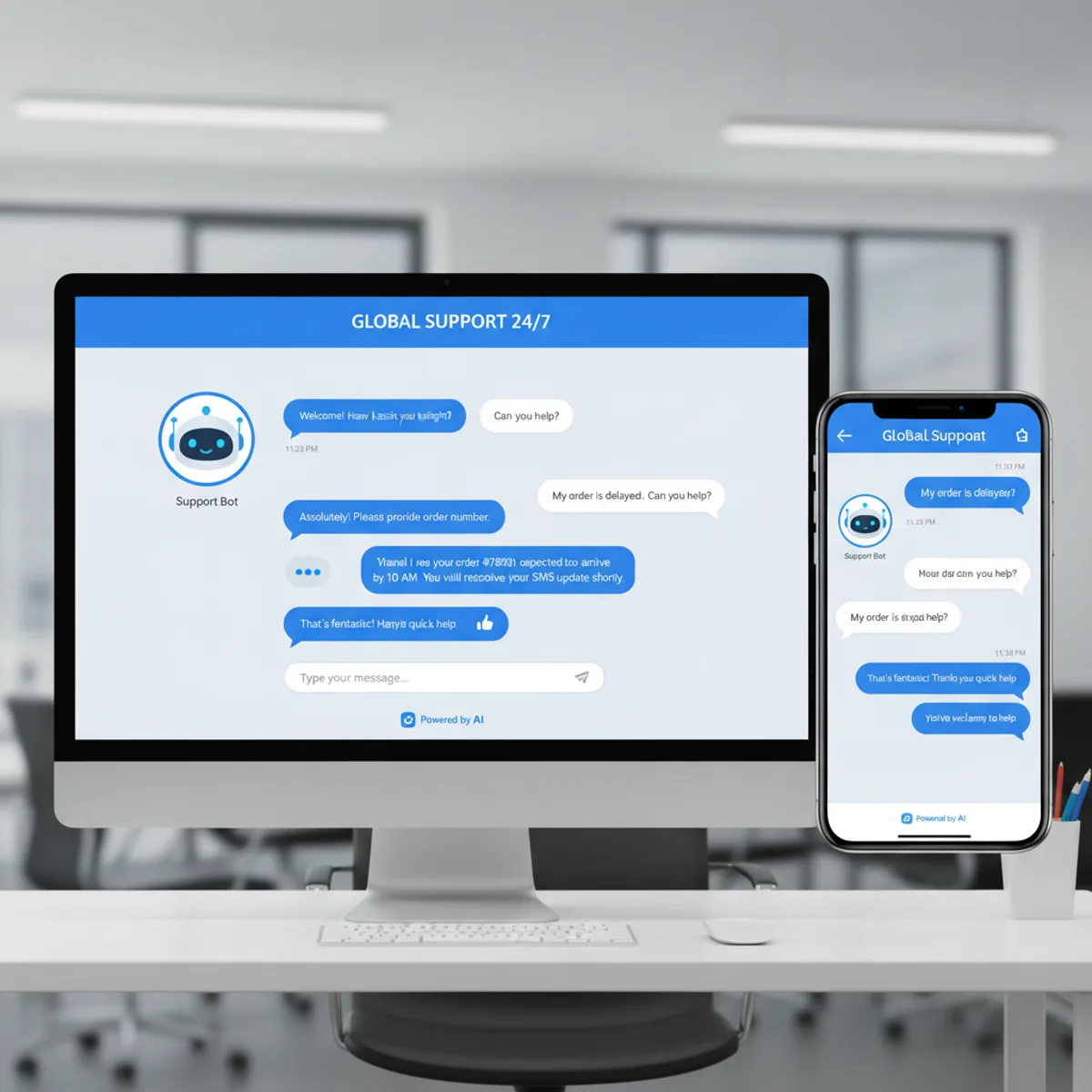
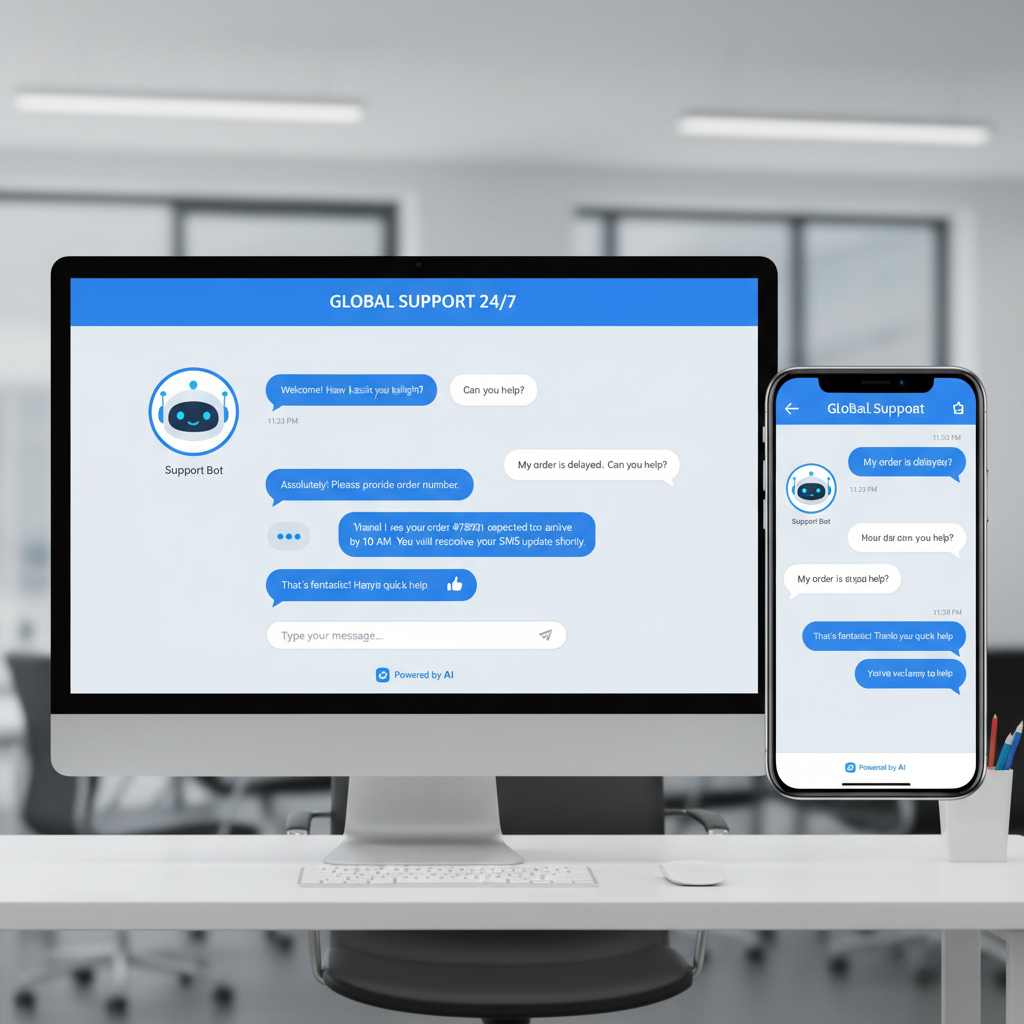
 A website chat assistant answering a visitor question outside opening hours
Why Do Websites Need AI Chatbots in 2025?
Most people who land on your site arrive with one of about ten questions. What does it cost. Do you cover my area. How soon can you start. Do you handle X. If nobody answers within a minute or two, a good share of them close the tab and ask a competitor instead.
An AI chatbot answers those questions the moment they're asked, at 11pm on a Sunday, without you hiring anyone.
Quick Answer: An AI chatbot handles your website's repeat questions instantly, captures enquiries outside opening hours, qualifies prospects before they reach you, books appointments, and passes anything it can't answer to a human.Part 1: Benefits for Website Owners and Businesses
1. What It Costs, and How to Work Out Your Own Number
We're not going to quote you an industry-average saving. Every one you'll read online is either unsourced or measured on a business nothing like yours. The useful version is a calculation you run on your own figures.
Your current cost of answering the same questions over and over:| Line item | Your figure |
|---|---|
| Staff time on repeat enquiries (hours per week × hourly cost × 52) | € |
| Support software you already pay for (CRM, ticketing, phone system) | € |
| Enquiries that arrived outside opening hours and never got answered | € (your best estimate) |
| Total per year | € |
- Off-the-shelf assistant: our own tool starts at €9/month, with current plans listed on sitebrain.app. Other platforms are compared further down.
- Custom build: quoted per project. The price is driven by integrations (booking, stock, CRM) and how much of your content needs preparing, not by the chat window itself.
- Ongoing: someone has to read the conversation logs and correct wrong answers. Budget an hour a month at minimum.
Subtract the second from the first. That's your number, and it's the only one worth acting on.
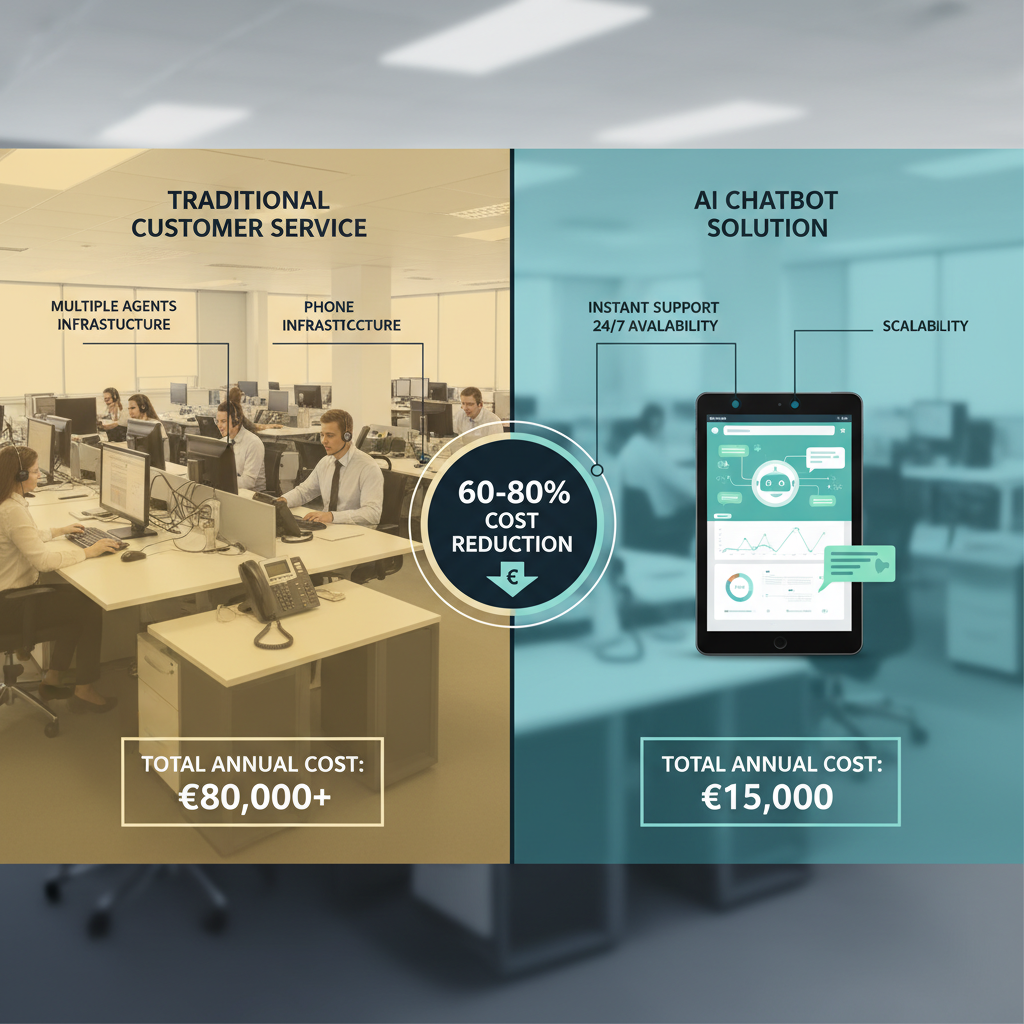 Where the money goes: staffed hours answering repeat questions versus an assistant that answers them
2. 24/7 Availability Without Overtime
Your opening hours are a constraint on you, not on your customers. Someone shortlisting suppliers on a Tuesday night either gets an answer or moves on.
Find your own after-hours gap in ten minutes: open Google Analytics, look at sessions by hour and by day of week, and lay that against your opening hours. Whatever share of traffic falls outside them is currently getting no answer. Then sort your contact-form submissions by timestamp and see how many arrived when the office was closed. That gap is what a chatbot covers.| Time period | Phone / email | AI chatbot |
|---|---|---|
| Business hours | Answered | Answered |
| Evenings | Voicemail or next-day reply | Answered instantly |
| Nights | Voicemail or next-day reply | Answered instantly |
| Weekends | Voicemail or next-day reply | Answered instantly |
| Bank holidays | Closed | Answered instantly |
One trade-off is worth naming up front. An instant wrong answer costs you more than a next-day right one, which is why the escalation rules matter more than the bot's vocabulary. Part 3 covers how to set them.
3. Lead Qualification and Sales Automation
AI chatbots ask qualifying questions and score leads before anyone on your side spends time on them.
High-value lead indicators:- Budget confirmed ("Yes, €5,000-€10,000 range")
- Timeline urgency ("Need to start within 2 weeks")
- Decision-making authority ("I'm the business owner")
- Specific pain points mentioned
- Engaged conversation (multiple responses)
- Vague responses or "just browsing"
- No budget mentioned, or "cheapest option"
- Far-future timeline ("maybe next year")
- Single-question interactions
- Information gathering only
- Hot leads (score 80-100): instant human handoff plus SMS alert
- Warm leads (score 50-79): schedule a call, send an email follow-up
- Cold leads (score 0-49): nurture sequence plus educational content
Those thresholds are a starting template, not a law. Tune them after your first hundred conversations, when you can see which scores actually turned into work.
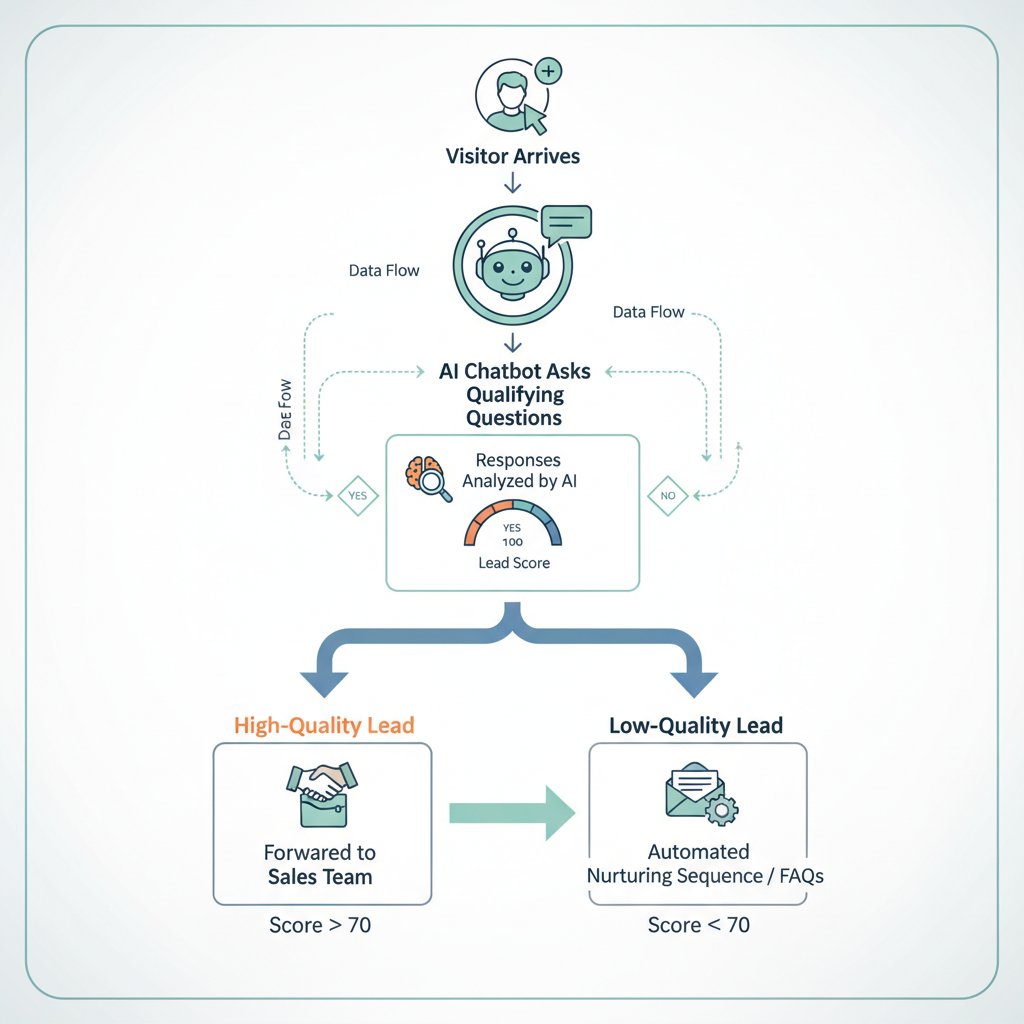 Automated lead qualification: the chatbot screens enquiries and routes the strong ones to a human
4. Multilingual Support Without Multilingual Staff
The models behind modern chatbots answer in dozens of languages without extra setup. Check which ones your chosen platform officially supports before you promise anything on the website, because coverage and quality vary a lot between the common European languages and everything else.
What this is worth to an Irish business:- Serve English, Irish and the main EU languages from the same widget
- Handle enquiries from UK, US and Australian visitors in their own conventions
- Support the language communities already living here
- Test expansion into a new market before hiring anyone who speaks the language
Test the languages you care about with real customer questions before switching them on. Machine translation of a technical or legal answer is where this falls over.
5. What You Learn From the Conversations
Every conversation is a customer telling you, unprompted, what they want to know. That log is the most useful thing a chatbot produces, and most businesses never open it.
What the dashboard gives you:- How many conversations, and at what hours
- The questions ranked by how often they're asked
- The questions the bot could not answer, which is a direct list of gaps in your website
- Where people abandon the conversation
- Which page they were on when they asked
- Product and service decisions: prioritise what customers keep asking for
- Marketing: write ad copy in the words your customers actually use
- Sales: collect the real objections and prepare answers
- Content: turn the top questions into pages, which is also how you get found in search
- Pricing: see where price questions turn into drop-offs
Typical changes that come out of a first month of logs: adding a pricing calculator when pricing is the top question, writing a delivery FAQ page, rewording a returns policy that keeps causing confusion, or building a quote form for a request the bot keeps receiving.
Part 2: Benefits for Website Visitors and Customers
6. Instant Answers, No Queue
A chatbot replies in about a second. A person replies when they're at their desk. For "do you deliver to Cork", that difference decides whether the visitor stays or leaves.
The value only holds if the answer is correct. A good chatbot admits what it doesn't know and offers a human within one message, instead of guessing confidently. When you evaluate platforms, test that behaviour first: ask it something deliberately outside its knowledge and see what it does.
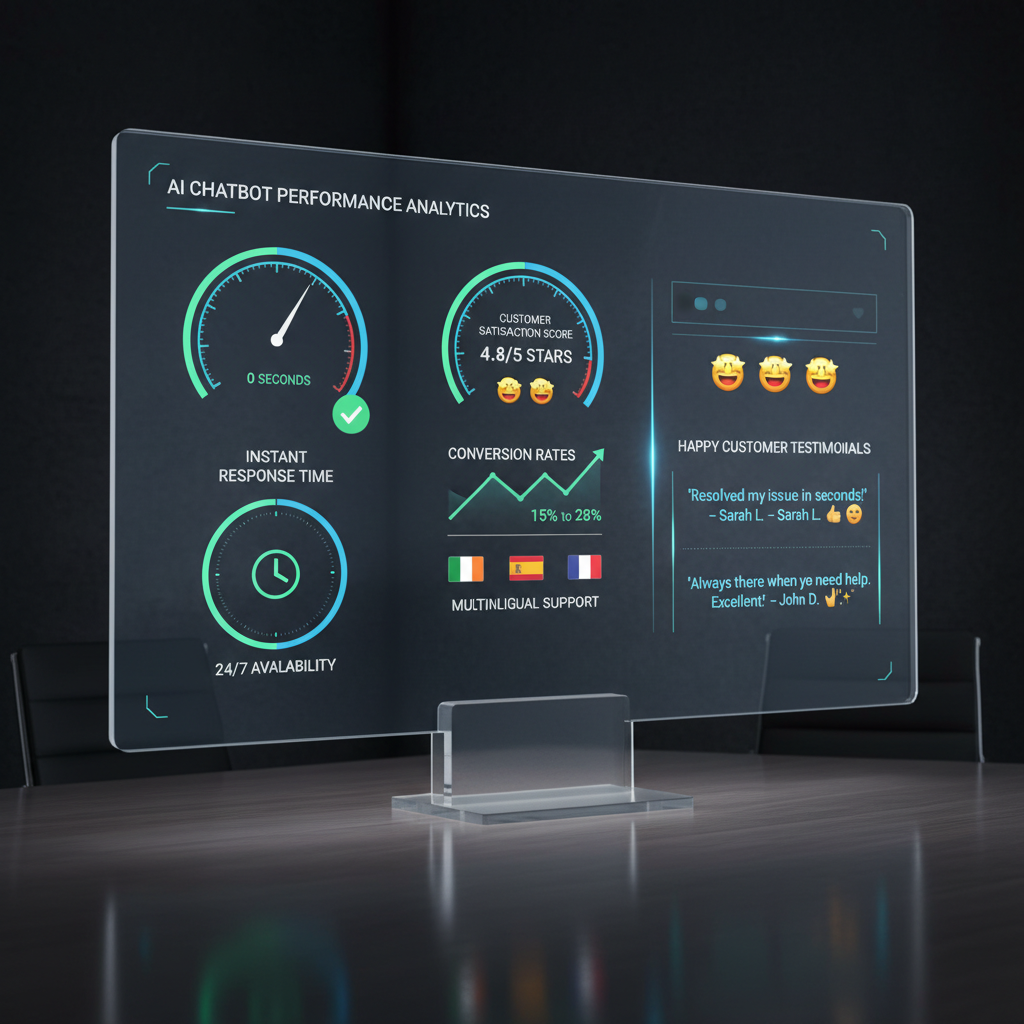 A chatbot dashboard: conversation volume, response times, and the questions it could not answer
7. Personalised Recommendations and Shopping Help
Product recommendations:- Read browsing history and stated preferences
- Suggest complementary products
- Filter by budget automatically
- Compare options side by side
- Give size and fit guidance
- Work out specific needs through conversation
- Recommend the right service tier
- Suggest bundles
- Offer relevant add-ons
- Asks qualifying questions (menu size, location, delivery needs)
- Identifies that the café needs an online menu, table booking and delivery integration
- Explains the difference between a booking-focused build and a full e-commerce build
- Shows examples of comparable sites
- Offers a short video demo of the booking system
- Books a consultation call
Whether a guided flow like that beats an unguided browse on your site is something you measure, by running it with the chatbot on and off and comparing enquiries. Don't take anyone's word for the lift, including ours.
8. Self-Service That Saves Everyone Time
Account management: password resets, address updates, payment method changes, subscription changes, email preferences. Order management: shipment tracking, order changes before dispatch, returns and refund requests, invoice downloads, reordering. Booking and scheduling: checking availability, booking, rescheduling, cancelling, adding calendar reminders. Information: product specifications, service details, pricing breakdowns, policy clarifications, document downloads. What to automate, and what not to:- Automate fully: password resets, order tracking, opening hours, availability checks
- Automate with an integration: returns, rescheduling, invoice downloads
- Send to a human quickly: complaints, refunds outside policy, technical faults, and anything where money has gone wrong
That last line is the one people get wrong. A complaint routed into a chatbot loop turns an annoyed customer into a public review.
9. Support That's Easier for Everyone to Use
A chat window can be more accessible than a phone call, but only if someone checked.
For users with disabilities: screen reader support, keyboard navigation with no mouse required, voice input, text-to-speech output, adjustable text size and contrast, plain-language answers. Ask your vendor to demonstrate these rather than assuming them, and test the widget yourself with a keyboard and a screen reader before launch. Not every widget passes. For neurodivergent users: no time pressure, the conversation can pause and resume, clear and structured answers, and repetition without a sigh on the other end. For older users: a simplified interface with larger text and buttons, and guidance one step at a time instead of a wall of instructions. Drop the jargon. For non-native speakers: the widget detects the language, translates, and can offer a plain-English option. Someone who would never phone you in a second language will happily type in one.10. Proactive Help Instead of Popups
Behaviour triggers:- 45+ seconds on the pricing page → "Can I help you understand our pricing?"
- Item added to cart, then hesitation → "Any questions about this product?"
- Shipping page viewed repeatedly → "I can explain our delivery options"
- Reading the returns policy → "Want me to explain how returns work?"
- Comparing several products → "Need help choosing?"
- Fast scrolling → "Looking for something specific?"
- Cursor heading for the tab bar → offer help before they leave
- Contact page opened → "I can answer that right now"
- 404 page → "That page moved. I can find what you need"
- Form abandoned halfway → "Need a hand finishing this?"
Proactive triggers are also the fastest way to irritate a visitor. Two rules keep them on the right side: never interrupt in the first ten seconds, and never re-open after someone has closed the window.
Part 3: Implementation and Best Practices
How to Implement an AI Chatbot Successfully
Step 1: Define your goals (week 1)✅ What problem are you solving? (support volume, lead generation, sales help)
✅ What will you measure? (response time, resolution rate, enquiries, cost)
✅ What should be automated? (list your top 20 customer questions)
✅ What needs a human? (complaints, complex technical issues, negotiations)
Step 2: Choose the platform (weeks 1-2)| Platform | Best for | Pricing |
|---|---|---|
| Intercom | SaaS and support-heavy teams | See their pricing page |
| Tidio | Small business and e-commerce, Shopify | See their pricing page |
| ManyChat | Facebook, Instagram and WhatsApp | See their pricing page |
| SiteBrain (ours) | Small sites, trained on your own pages | From €9/month, see sitebrain.app |
| Custom build (Webs.ie) | Specific integrations: booking, stock, CRM | Quoted per project |
Platform pricing changes often, so check each vendor's own page rather than any comparison table, including this one.
Step 3: Prepare the content (weeks 2-3)✅ Knowledge base: write answers to your top 50 questions
✅ Conversation flows: map the typical customer journeys
✅ Brand voice: decide how it should sound, and how it shouldn't
✅ Escalation rules: when and how it hands over to a person
✅ Test scenarios: write 30+ test conversations, including hostile ones
Step 4: Integration and setup (weeks 3-4)✅ Connect it to the website
✅ Integrate with your CRM
✅ Link to inventory and booking systems
✅ Set up analytics tracking
✅ Configure notification alerts
Step 5: Testing and refinement (weeks 4-6)✅ Internal testing across every department
✅ Beta test with friendly customers
✅ Find the edge cases
✅ Verify answer accuracy against your own documents
✅ Fix the slow paths
Step 6: Launch and monitor (week 6 onwards)✅ Soft launch on part of your traffic
✅ Read the first week of transcripts line by line
✅ Adjust based on real conversations
✅ Full launch
✅ Keep reading the logs monthly
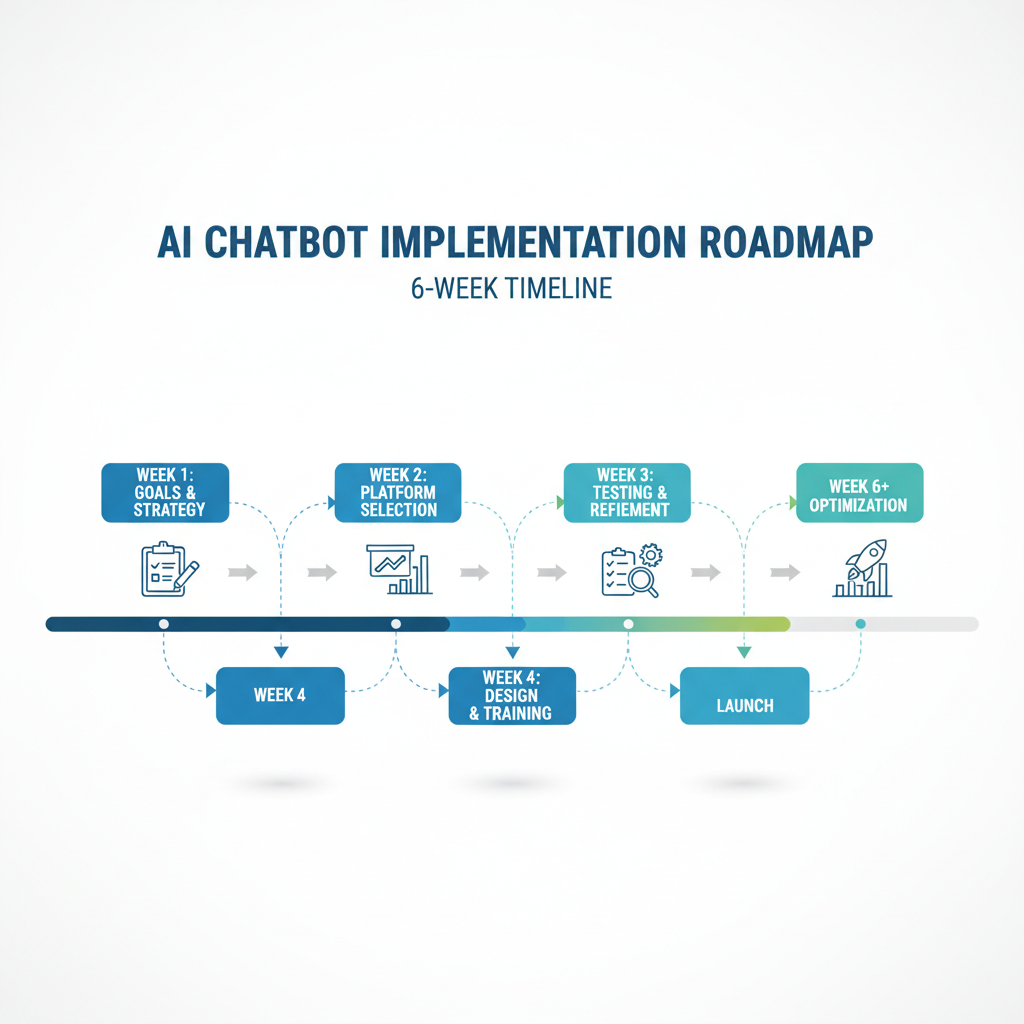 A six-week implementation timeline, from goals to launch
Common Mistakes to Avoid
❌ Over-automation: complex issues need to reach a human fast
❌ Robotic tone: write the answers the way you'd say them
❌ No human backup: always provide an escape to a live person
❌ Ignoring the logs: review conversations weekly, at least at the start
❌ Set and forget: update the knowledge base monthly or it rots
❌ Interrogating visitors: keep the opening simple
❌ Forcing the chat open: make it optional, never a mandatory popup
❌ Letting it guess: an invented answer about your policy is worse than no answer
Measuring Success: Key Metrics
Agree the targets before launch, then measure against them rather than against someone else's benchmark.
Primary:- Response time: under 3 seconds is a reasonable technical target
- Resolution rate: the share of conversations that end without a human, tracked monthly
- Customer satisfaction: add a thumbs up/down to every conversation and read it weekly
- Effect on enquiries: run the site with the chatbot on and off, compare like-for-like periods
- Payback: setup plus monthly cost against the calculation you did in Part 1
- Engagement rate: the share of visitors who open the chat
- Conversation length: long threads usually mean an answer is missing from your content
- Escalation rate: how often a human is needed, and for what
- After-hours capture: enquiries collected outside opening hours
- Unanswered questions: the single most useful list the system produces
Frequently Asked Questions (FAQ)
How much does an AI chatbot cost for a small business website?
It depends on whether you buy an off-the-shelf assistant or have one built. Ours starts at €9/month (current plans on sitebrain.app); larger platforms run into the hundreds per month. A custom build with booking, stock or CRM integration is quoted per project. Add an hour a month of someone's time to review the logs. Rather than trusting an average payback figure, use the calculation in Part 1 with your own numbers.
Can AI chatbots really replace human customer service?
No, and treating it as a replacement is how these projects fail. The pattern that works is first-line automation: the chatbot handles the repeat questions, and escalates complaints, complex issues and high-value sales to a person. You get faster answers on the routine work and keep your people for the work that needs them.
How accurate are AI chatbots in 2025?
Accuracy depends far more on your content than on the model. A chatbot trained on a complete, current set of your own pages and policies answers reliably within that scope, and guesses outside it. Two things keep it honest: restrict it to your own documented content, and require it to say "I don't know, let me get someone" rather than improvise. Test that behaviour before you buy.
Will customers be frustrated talking to a chatbot instead of a human?
People are frustrated by bad chatbots, not by chatbots. The failures are always the same: menu loops, no way to reach a person, and confident wrong answers. Give the visitor a visible human escape route in every conversation, answer in one message instead of five, and the objection largely disappears.
How long does it take to set up an AI chatbot?
Plan for 2-4 weeks for a straightforward implementation and 6-12 weeks for a custom build with integrations. The variable that moves the timeline most is content preparation, not technology. If your answers to the top 50 questions are already written down, it goes quickly.
Can I customise the chatbot to match my brand?
Yes. Avatar, colours, fonts, tone of voice, personality, conversation flows, opening message and integration depth are all configurable on the main platforms. A custom build additionally lets you control the answer style and the escalation logic in detail. Ask to see a branded example before committing.
What happens when the chatbot doesn't know the answer?
The correct behaviours are: offer a human ("I'm not sure, but I can connect you to someone who knows"), collect a contact ("I don't have that yet, can you email us at hello@yourcompany.ie?"), create a ticket ("Let me find out and come back to you"), or point at related content. What it must never do is invent an answer about your prices, policies or availability.
Are AI chatbots GDPR compliant?
Reputable platforms can be, but compliance is a property of your setup, not the vendor's logo. You need a clear privacy policy covering the chat, consent for storing chat history, encryption in transit and at rest, a deletion process, and a data processing agreement with the vendor. Ask where conversations are stored; EU-hosted options are simpler for Irish businesses.
Can chatbots integrate with my existing tools?
Most do, through native integrations or a webhook. Common ones: CRMs (HubSpot, Salesforce, Pipedrive), email marketing (Mailchimp, ActiveCampaign), booking (Calendly, Acuity), payments (Stripe, PayPal), helpdesks (Zendesk, Freshdesk) and analytics. Check the specific integrations you need before choosing, because "integrates with everything" usually means "has an API".
What ROI can I expect from an AI chatbot?
Nobody can answer that for your business without your numbers, and any article quoting a percentage without showing its working is guessing. Do the arithmetic in Part 1: your current cost of answering repeat questions, minus setup and subscription. Then measure the enquiry difference with the chatbot on and off. That gives you a real figure instead of a borrowed one.
Where to Start
A chatbot is worth building when you can name the questions it will answer and the number it should move. If you can't name either, you'll end up with a widget that annoys people and produces nothing.
Three concrete steps: write down the 20 questions your customers ask most, run the cost calculation in Part 1, and try a chatbot on a real site before you buy one.
Next step: try our assistant at webs.ie/ai-demo, then email hello@webs.ie with the top five questions your customers keep asking. We'll tell you honestly whether a chatbot is worth it for your site, including when it isn't.About Webs.ie: a Dublin web studio building AI-assisted websites and chat assistants for Irish businesses. We make SiteBrain, a site assistant trained on your own pages, and run a live AI demo at webs.ie/ai-demo. Contact: Dublin, Ireland | hello@webs.ie Related Articles:
- How an AI Chat Assistant on Your Website Can Help Your Business Grow
- AI Receptionist for Small Business: Cost & Two Real Demos
- 7 Powerful Reasons Your Small Business Needs a Website Today
- How AI is Transforming Web Design in 2025
About the numbers here: an earlier version of this page carried industry statistics and named client case studies that we could not link to a source. We removed them. What's left is either a calculation you run on your own figures, or a first-party fact you can check yourself: our pricing at sitebrain.app and our live demo at webs.ie/ai-demo. If you want benchmark data, ask your shortlisted vendors for their own reporting and check how it was measured.
